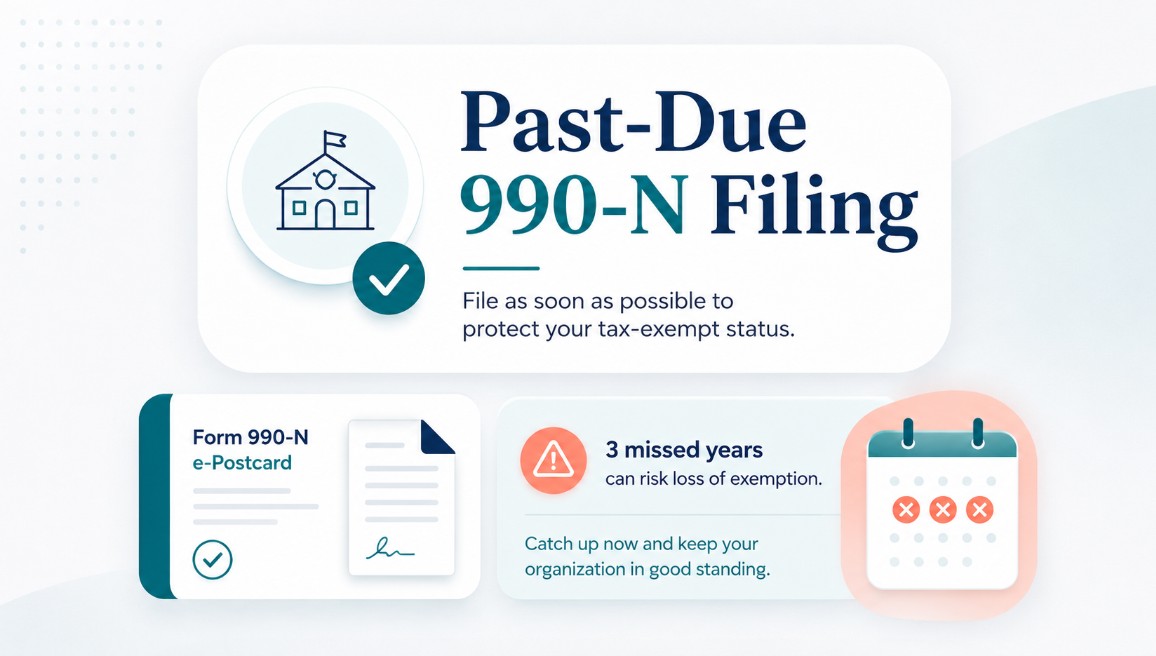
Past-Due 990-N e-Postcard? No Worries!
Let’s address the elephant in the room. You may have read that the IRS assesses daily late-filing penalties for nonprofits. While this is true for certain other forms, 990-N filers are not assessed the same late-filing penalties. In fact, the IRS does not impose a monetary penalty for filing Form 990-N late.
However, you should not simply ignore a missed return. A nonprofit that fails to meet its annual filing requirement for three consecutive years will automatically lose its federal tax-exempt status.
Should I Still File a Past-Due Return?
Yes.
Even though the IRS does not impose a monetary penalty for a late or missing 990-N, there can be other consequences. Missing filings may raise questions about how responsibly your organization manages its finances and compliance obligations. Donors may also review your filing history to confirm that your organization is legitimate and in good standing.
Missing filings can also affect grant applications. Government agencies and private foundations may require current nonprofit records or copies of previous filings before approving funding.
Can I File Through the IRS for Free?
It depends.
If you are filing the current Form 990-N, you may be able to file for free through the IRS e-Postcard system. However, the IRS filing system does not accept prior-year Form 990-N filings. Past-due 990-N returns must be submitted through an approved IRS e-file provider.
That’s where Pro990 comes in.
In addition to filing through Pro990, you receive free access to your nonprofit dashboard and courtesy reminder emails each year to help ensure you never miss another filing.
How Do I File My Missed 990-N?
It’s simple.
1. Enter Your EIN
Enter your organization’s EIN in the search tool below. This will display any missing filings within the most recent three available filing years.
Important: The IRS electronic filing system generally supports the current tax year and two prior tax periods.
2. Create Your Free Account
Create an account if you do not already have one. This gives you access to your free nonprofit dashboard, where you can:
- View your organization’s filing history
- Download available copies of previous filings
- File outstanding returns
- Receive annual filing reminders
You only pay when you submit a return.
3. Complete and Submit Form 990-N
Complete the one-page Form 990-N and submit it through Pro990. We will process the return and send email updates regarding its status.
That’s it.
Get Started
Enter your EIN below to review your filing history, identify any past-due returns, and help keep your organization compliant with the IRS.